
The questions you actually ask, answered.
HybiLearn was built around what parents want to know, not a list of features. Here is where each question lives inside the app.
How is my child doing?
A child overview shows current progress across subjects, in plain language, updated after every session.
Where are they struggling?
The H Genome view lists gaps and misconceptions clearly, alongside strengths and developing areas.
Why does HybiLearn think that?
Every insight links back to the evidence behind it: the answer, the upload, or the conversation.
What should they do next?
The Study Plan turns each insight into a concrete, short task for the week ahead.
What happened in their latest work?
The Learning Timeline logs each lesson, practice set, upload and tutor chat as it happens.
Can I upload schoolwork?
Yes. Parents can add homework, worksheets and marked papers directly, which become evidence too.
Are they following the plan?
Missed-session notifications let you know when a planned activity has not been completed.
Are they improving?
Progress is tracked over weeks per concept, from Needs attention through to Secure.
What about multiple children?
One parent account manages several children, each with a fully separate H Genome and Study Plan.
Everything lives in one place.
Each of these is a real section inside your parent account, not a separate report you have to chase down.
Child overview
A calm summary of how each child is progressing right now.
Progress
Trends across subjects and concepts, week over week.
H Genome
Strengths, developing areas, gaps and misconceptions, with evidence.
Learning Timeline
A chronological record of everything your child has done.
Study Plan
The specific, short list of what to focus on this week.
Materials
Every homework, worksheet and marked paper uploaded so far.
Practice & assessment feedback
What went well and what needs another look, per attempt.
Recommendations
What HybiLearn suggests you do together, in plain language.
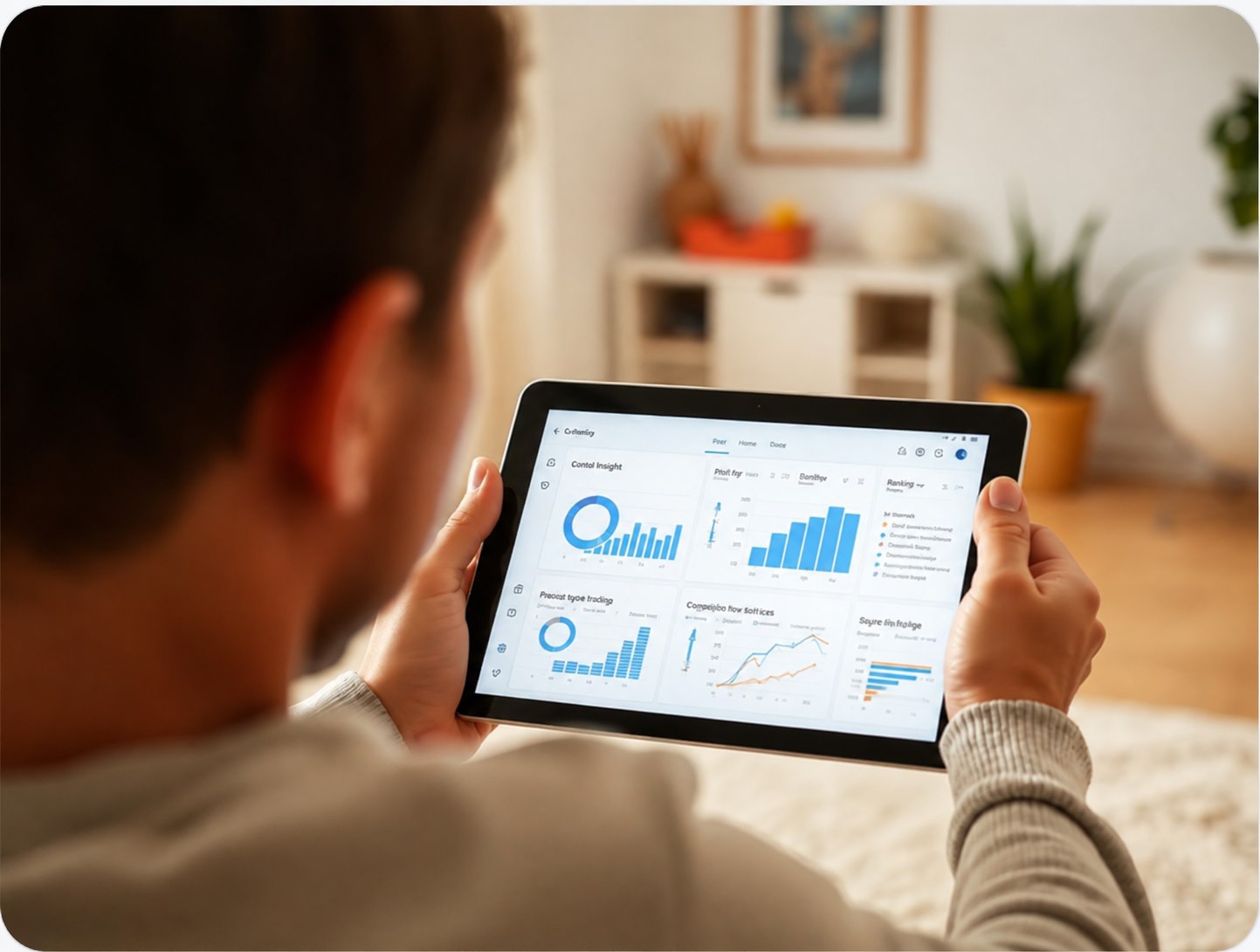
Manage the whole family from one account.
Add each child, switch between their profiles, and control exactly how HybiLearn keeps you informed.
Account & child management
Add, edit or remove a child's profile, curriculum and grade at any time.
Immediate alerts
A message as soon as something needs attention, such as a missed session.
Daily summary
One short recap of the day's learning, sent each evening.
Weekly learning report
A fuller view of progress, plan and recommendations once a week.
Start with one learning check. Everything after that is personal.
Explore how HybiLearn builds a learner's H Genome from the first session, or get in touch to talk it through.